
 Recently I came across an app that manipulates images into simulations of “retro” computer formats, called Retrospecs. As you can imagine, I excited beyond the normal realms of excitement. As you may know, when I was young I owned a Spectrum and a C64, and looking at loading screens for these 80s computers always fills me with a geeky nostalgic fuzzyness.
The app itself is so easy to use. You take a photo or select a previously taken photo, then select which filter to apply to it.
The current filters are:
Teletext
Apple ][ (Low res)
Atari 2600 (NTSC)
Intellivision
IBM CGA (6 variations – enable them all within Settings)
BBC Micro (Mode 1 & 2)
Sinclair ZX Spectrum
Commodore 64 (Low res & high res modes)
Colecovision
Dragon 32 (PMODE 3)
MSX (Screen mode 2 and (for comedy value) 3)
Sinclair QL (Low res & high res modes)
Apple Macintosh (Original 1984 model)
Amstrad CPC (Colour & green screen versions)
IBM EGA
Nintendo Game Boy
I absolutely love it! Genuinely! Take a look at the different filters in action. Click the images to enlarge.
-
![Apple ][ Low Res](https://www.80snostalgia.com/files/20140724-112727-41247742-150x150.jpg)
- Apple ][ Low Res
-
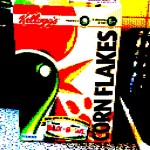
- BBC Micro
-
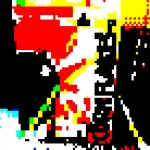
- Teletext
-
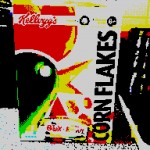
- Sinclair ZX Spectrum
-

- Intellivision
-
- Atari 2600
-
- MSX Screen Mode 3
-
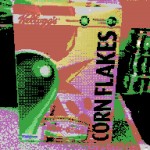
- MSX Screen Mode 2
-
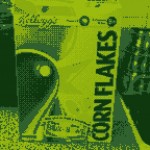
- Nintendo Gameboy
-
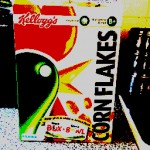
- Sinclair QL (Low res)
-
- IBM EGA (16 colour)
For more information, check out 8 Bit Artwork and give it a try.
Also, please follow 8BitArtwork on Twitter for some superb images.


